API Keys
API keys let agents and scripts use Synth without a browser session. They look like synth_sk_....
Create A Key
In the app: Settings -> API Keys.
- Open Settings and choose API Keys from the navigation.

- Review your access summary, then click New Key.
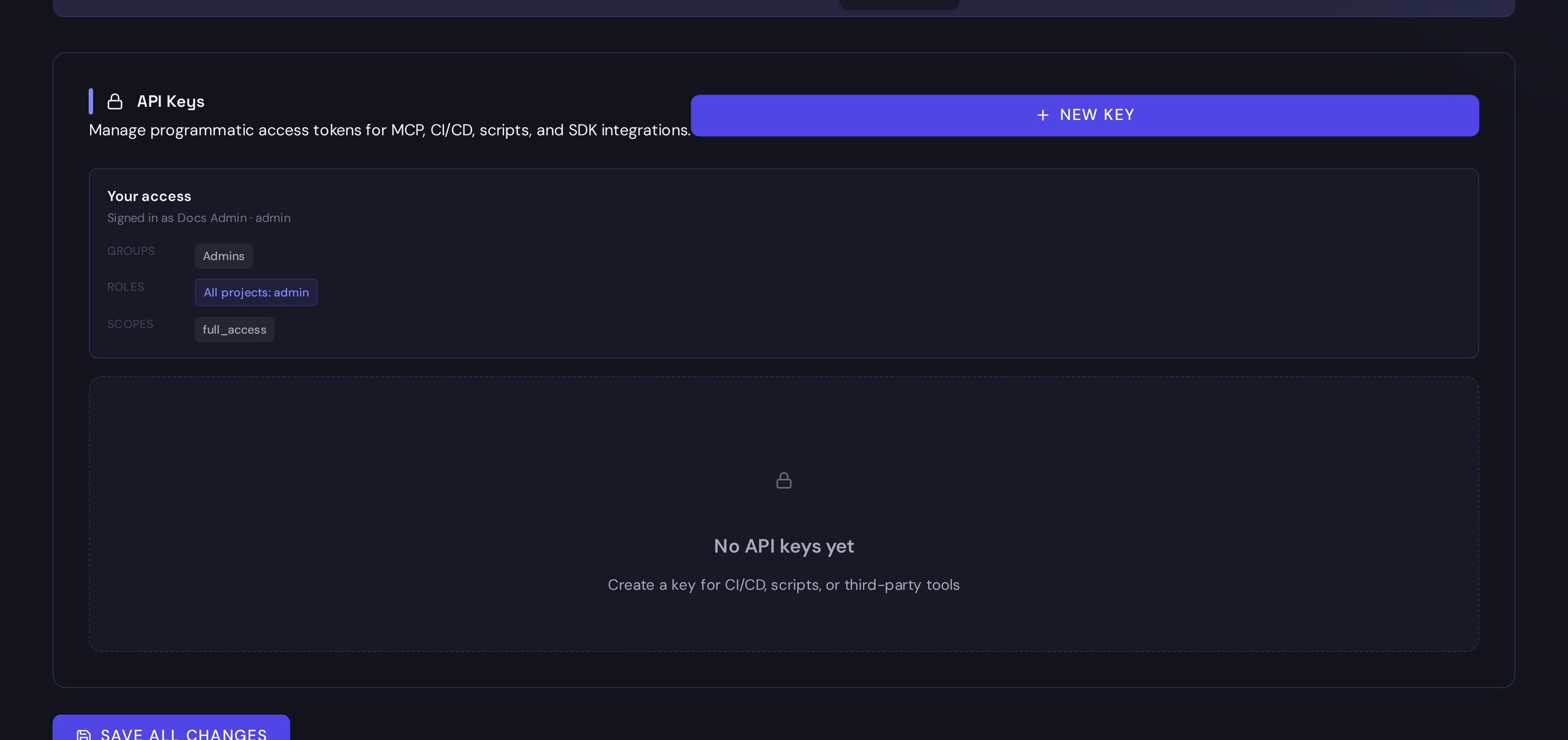
- Open the create dialog and check the defaults before submitting.
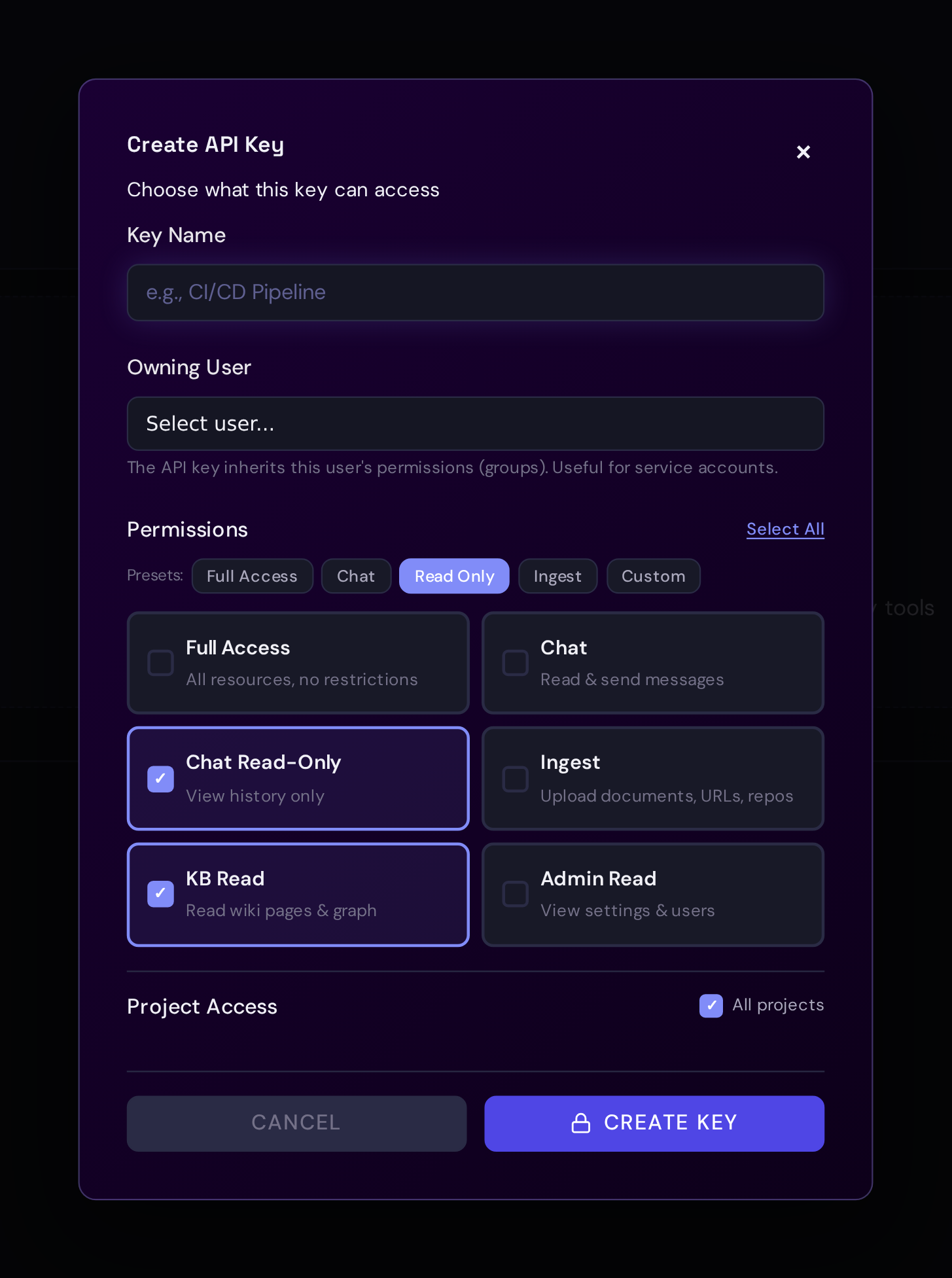
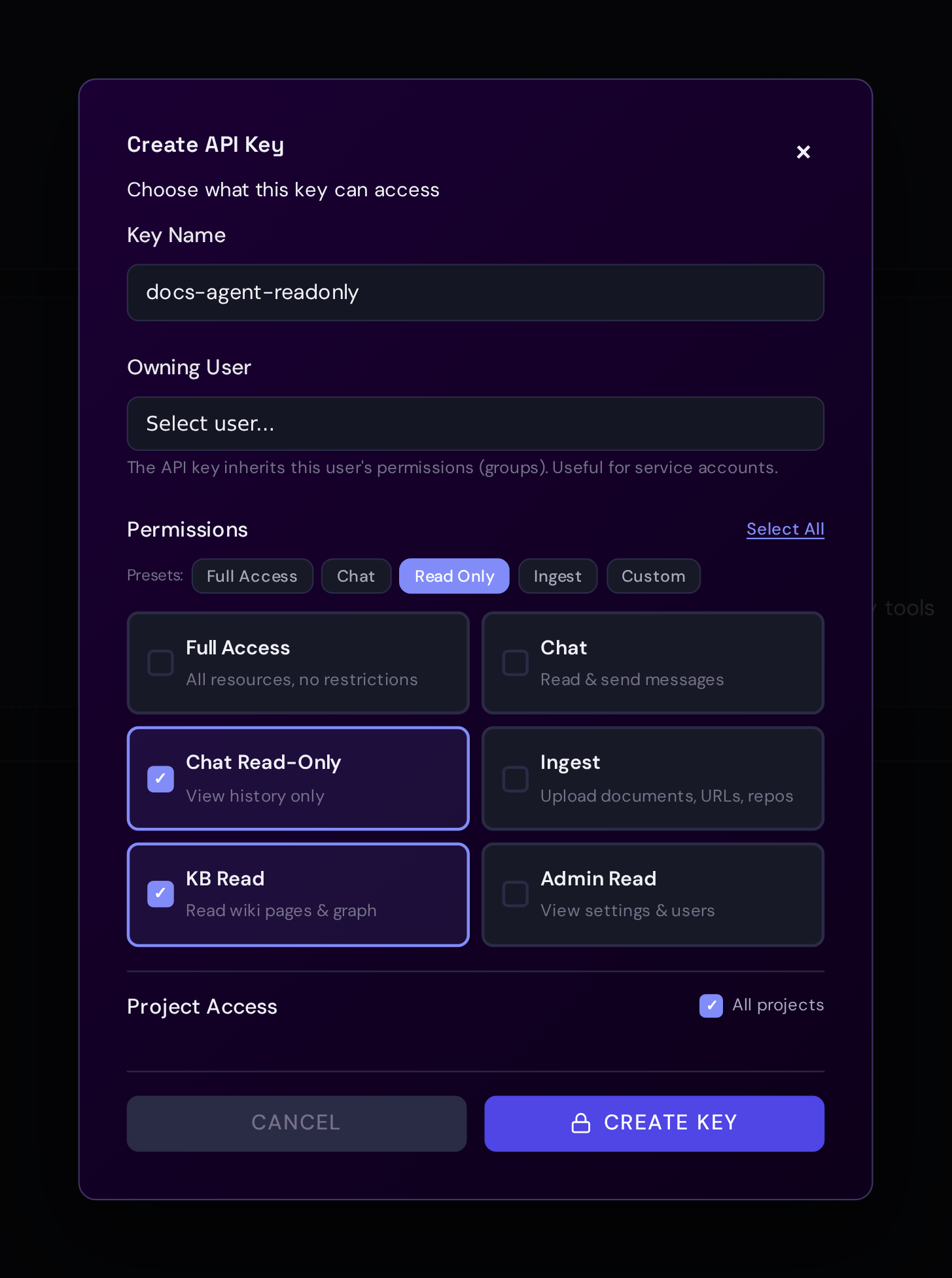
- Name the key, keep permissions narrow, and restrict project access when the key belongs to one agent or repository.
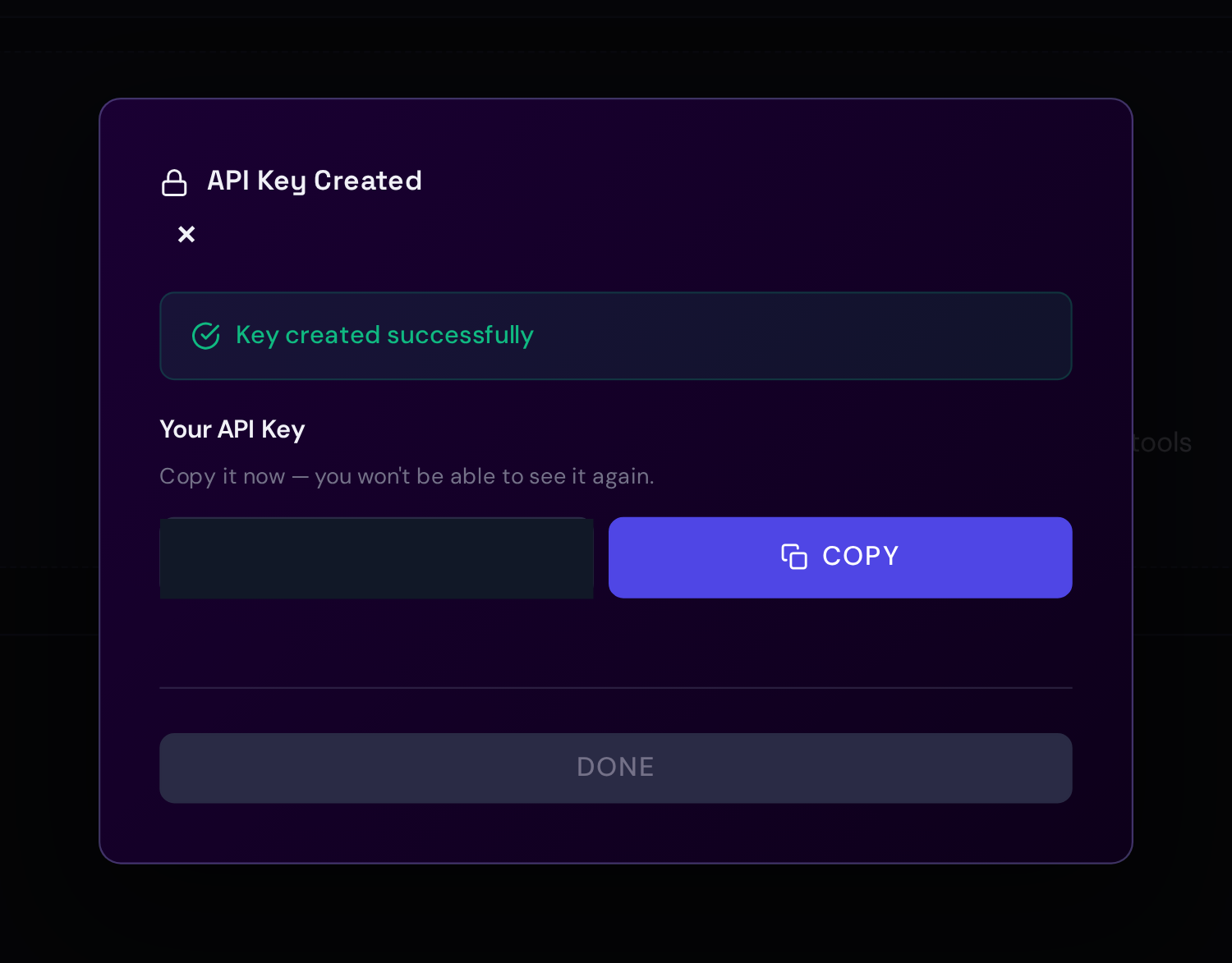
- Click Create Key, copy the token immediately, and store it in your client secret manager. Synth only shows the generated value once.
With curl, after setup or login has saved a session cookie:
export SYNTH_URL=https://synth.example.com

SYNTH_API_KEY=$(curl -s -b /tmp/synth.cookie \
  -H "Content-Type: application/json" \
  -d '{"name":"agent-key","scopes":["knowledge:read"]}' \
  $SYNTH_URL/api/auth/api-keys | jq -r .key)
Copy the key immediately. Synth only shows it once.
Scopes
| Scope | Use |
|---|---|
knowledge:read | search, list, and read pages |
ingest:write | add sources and manage watchers |
knowledge:write | edit knowledge pages |
repo_context:read | read repository context metadata |
admin:read | read admin settings |
admin:write | change admin settings |
full_access | local admin scripts only |
Project Access
Keys can be restricted to project paths. Use this for AI agents so a tool connected to one repo cannot read every project.
Use A Key
export SYNTH_URL=https://synth.example.com
export SYNTH_PROJECT_ID=prj_...

curl -X POST \
  -H "Authorization: Bearer $SYNTH_API_KEY" \
  -H "Content-Type: application/json" \
  -d "{\"project_id\":\"$SYNTH_PROJECT_ID\",\"query\":\"auth\",\"limit\":10}" \
  "$SYNTH_URL/api/v1/projects/$SYNTH_PROJECT_ID/search"
MCP Keys
For MCP, prefer Settings -> Connect because the wizard creates a key with
knowledge:read. This scope is enough for a read-only
knowledge agent. MCP does not expose ingestion tools today; add ingest:write
only for REST API, SDK, or automation keys that should create ingest jobs or
manage watchers.
For agents that need repository metadata, add:
["knowledge:read", "repo_context:read"]