Jira Watchers
Jira watchers sync selected Jira Cloud issues into Synth as live work context. Use them for roadmap intent, operational status, blockers, decisions, comments, and status history. Use Git watchers for implementation truth.
Synth preserves those roles in retrieved evidence: Jira can show what was planned, blocked, or marked Done, but Git or implementation docs must support claims that something is actually implemented. The connected agent is responsible for reasoning across those sources.
Setup
- In Settings -> Credentials, create a
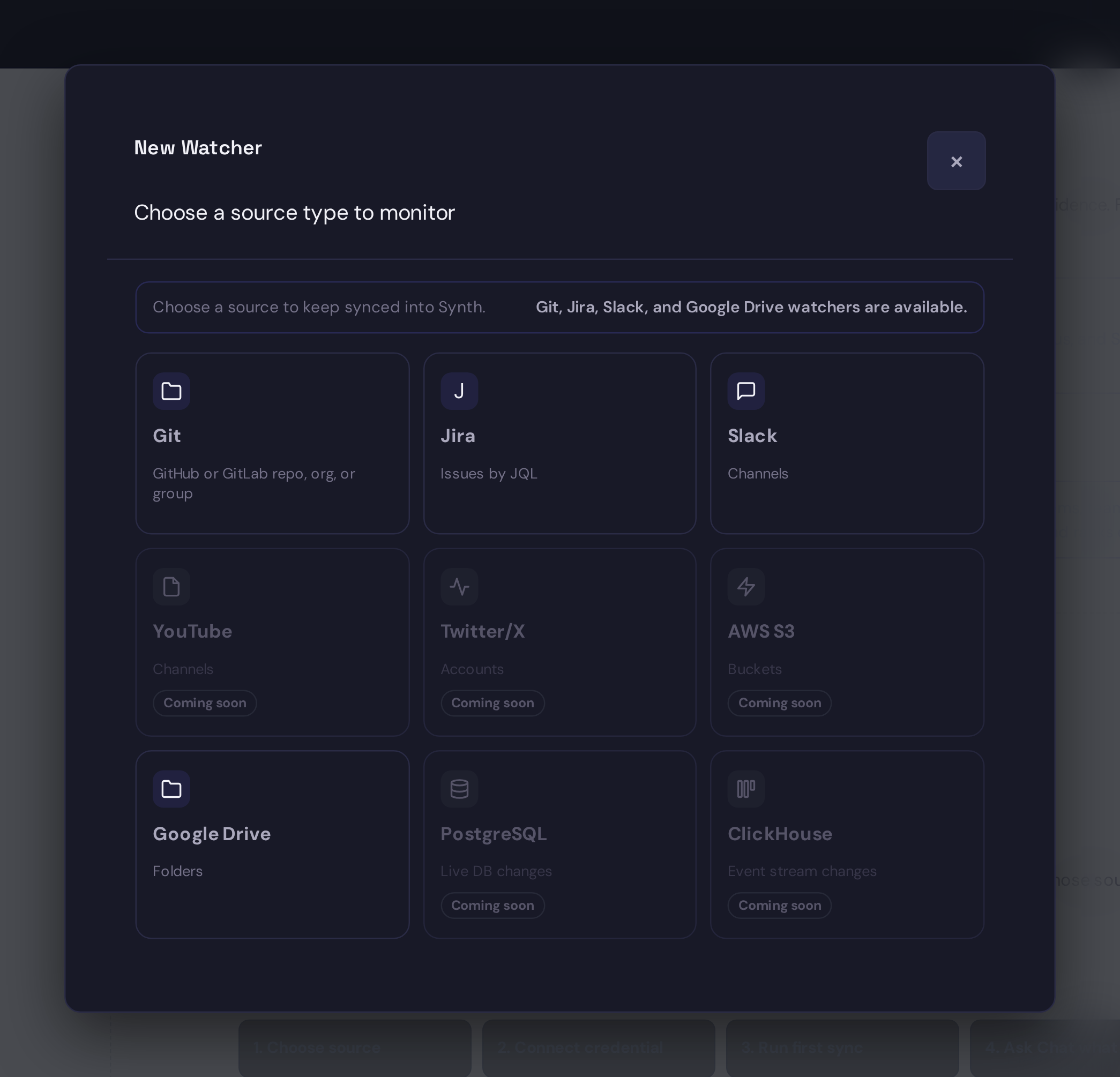
jira_api_tokencredential with your Atlassian email and Jira API token. - Open Watchers and choose Jira.
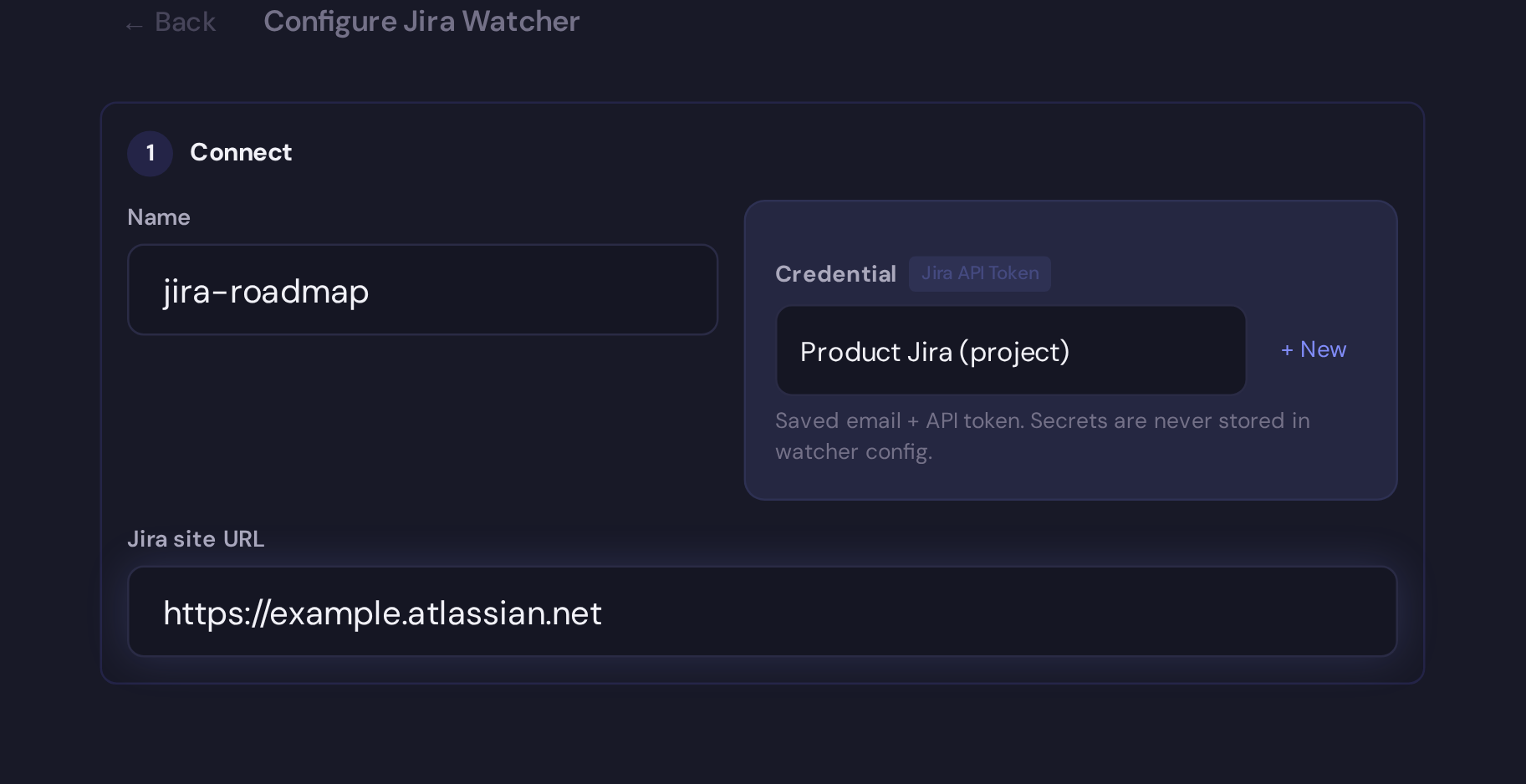
- Select the credential, enter the Jira Cloud site URL, and choose a safe JQL preset or write custom JQL.
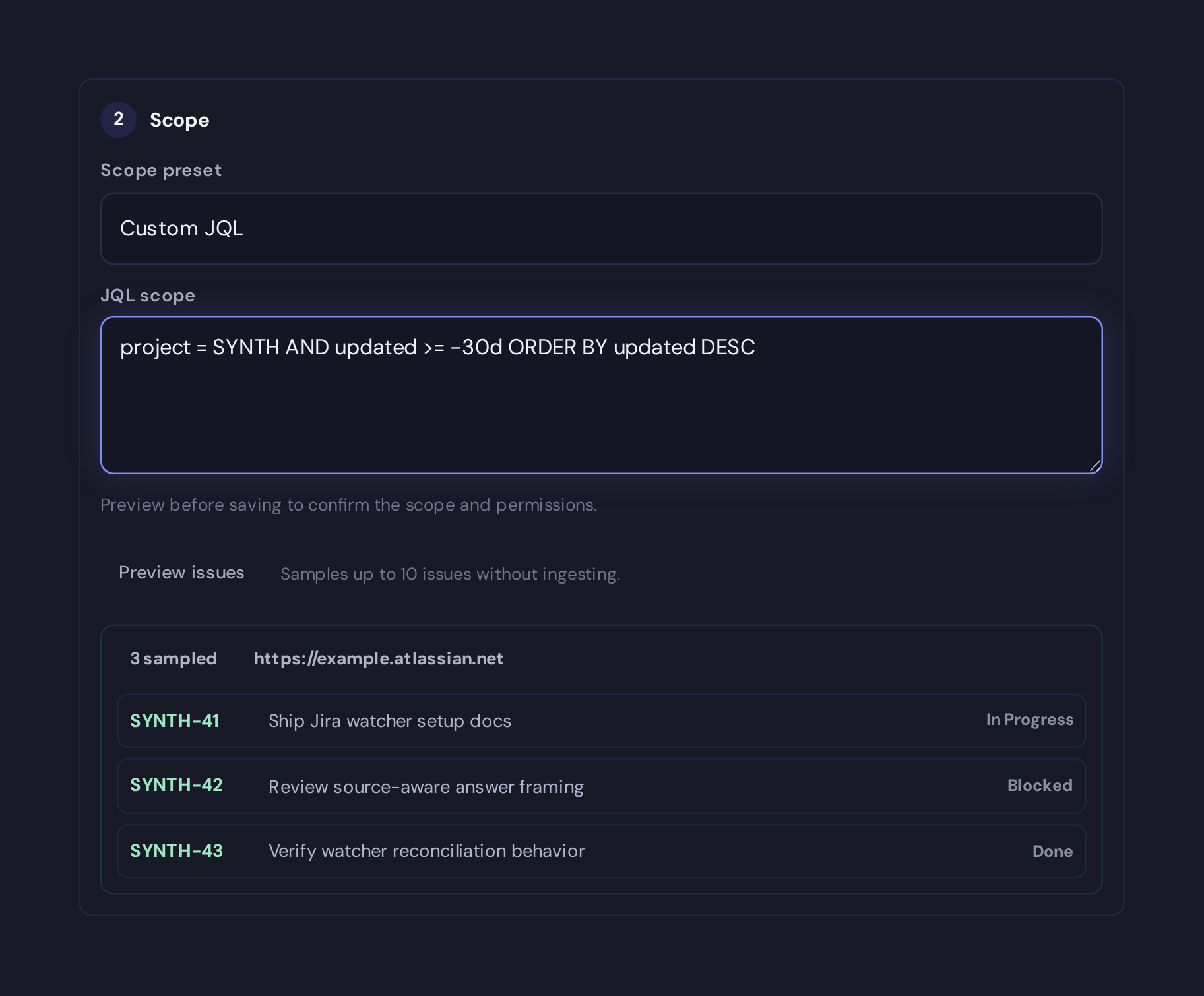
- Preview the scope before saving.
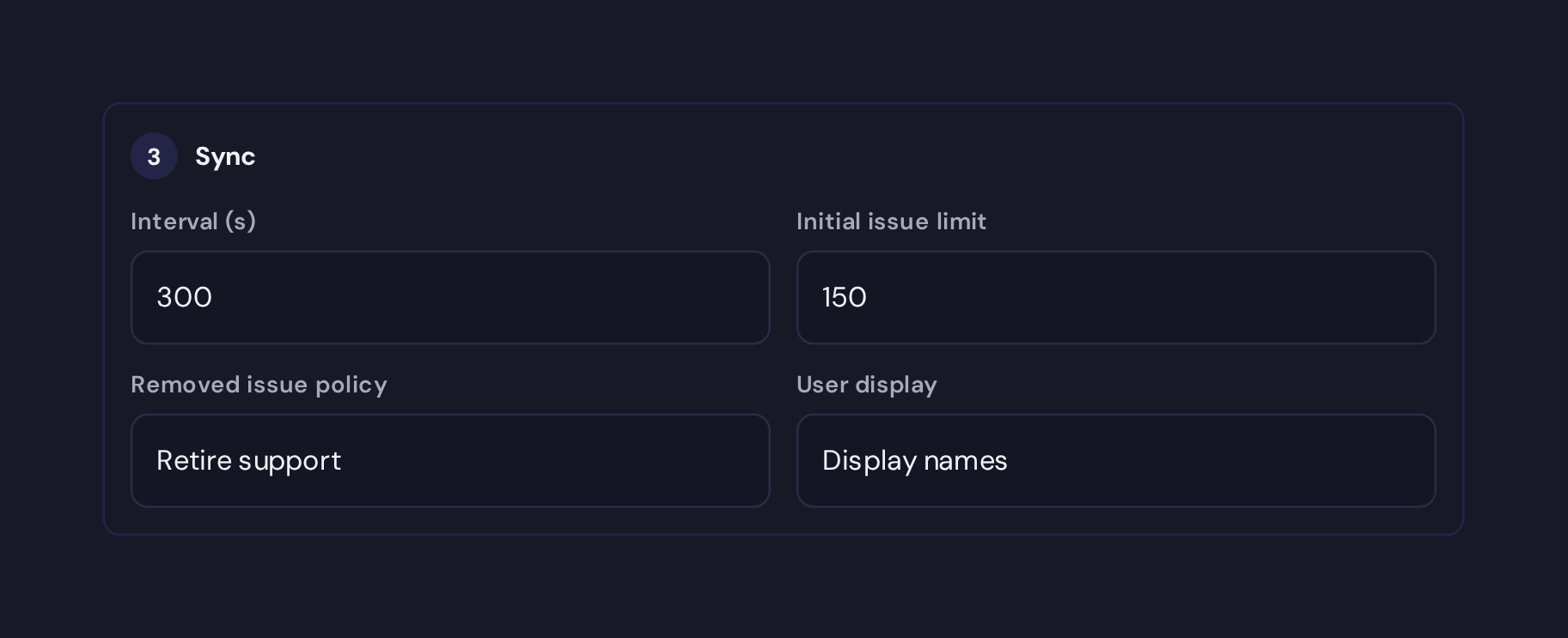
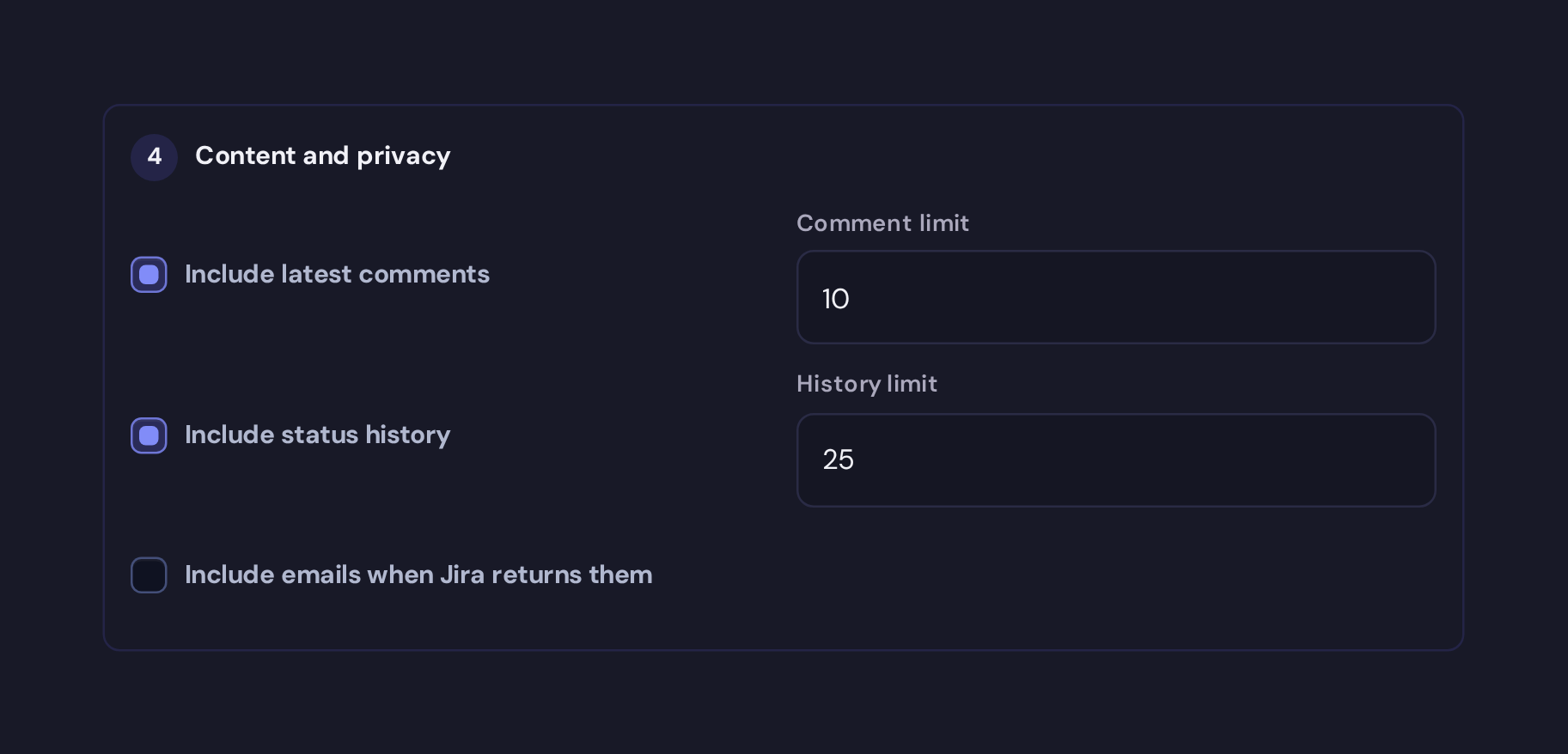
- Choose content and privacy options, then create the watcher.
The API token is stored only as a credential. Watcher config, exports, cards, logs, and API responses do not include the token.
Scope And Content
Use bounded JQL for v1 watchers, for example:
updated >= -30d ORDER BY updated DESC
Useful options:
| Option | New UI value | API/CaSC if omitted | Purpose |
|---|---|---|---|
poll_interval | 300 | 300 | Seconds between polls. |
max_initial_issues | 200 | 200 | Initial sync cap. |
comments.mode | latest | off | Include no comments, latest comments, or all comments. |
comments.limit | 20 | 0 when comments are off | Maximum comments rendered. |
changelog.enabled | true | false | Include status/history entries. |
changelog.limit | 50 | 0 when changelog is disabled | Maximum status/history entries rendered. |
privacy.user_display | display_name | display_name | Render names, account IDs, or hide users. |
privacy.include_emails | false | false | Keep emails out of snapshots by default. |
removed_issue_policy | retire | retire | Keep, retire, or tombstone issues that leave scope. |
The guided UI turns latest comments and status history on for a newly created
Jira watcher. API and CaSC callers should set comments and changelog
explicitly when they want those fields; omitted options stay conservative.
Snapshots are deterministic Markdown under raw/watchers/jira/<watcher-id>/.
Each issue uses a stable source ID based on Jira site identity and issue ID, so
updates refresh the same source rather than duplicating knowledge.
CaSc
watchers:
  roadmap:
    type: jira
    repo: https://example.atlassian.net
    credential: jira-prod
    interval: 300
    auto_start: true
    config:
      jql: 'project = ABC AND updated >= -30d ORDER BY updated DESC'
      max_initial_issues: 200
      removed_issue_policy: keep
      comments:
        mode: latest
        limit: 10
      changelog:
        enabled: true
        limit: 25
      privacy:
        user_display: display_name
        include_emails: false
Exports use the same safe shape and keep secrets in the credential store.
Reconcile
When an issue leaves the configured JQL scope:
keeppreserves it as historical Jira context and marks it out of scope.retireretires Jira source support while preserving pages that still have live support from other sources.tombstoneretires Jira support and archives zero-support Jira-owned pages instead of deleting them.
The watcher does not advance its checkpoint until ingest or reconcile succeeds. Pending issue snapshots replay after restart.
API
Set your deployment URL:
export SYNTH_URL=https://synth.example.com
Preview scope:
curl -H "Authorization: Bearer $SYNTH_API_KEY" \
  -H "Content-Type: application/json" \
  -d '{"site_url":"https://example.atlassian.net","credential_id":"jira-prod","jql":"updated >= -30d ORDER BY updated DESC"}' \
  $SYNTH_URL/api/watchers/preview-jira
Create:
curl -H "Authorization: Bearer $SYNTH_API_KEY" \
  -H "Content-Type: application/json" \
  -d '{"watcher_type":"jira","watcher_id":"roadmap","credential_id":"jira-prod","config":{"site_url":"https://example.atlassian.net","jql":"updated >= -30d ORDER BY updated DESC","poll_interval":300,"comments":{"mode":"latest","limit":10},"changelog":{"enabled":true}}}' \
  $SYNTH_URL/api/watchers
Manual checks use the shared watcher action:
curl -H "Authorization: Bearer $SYNTH_API_KEY" \
  -X POST $SYNTH_URL/api/watchers/roadmap/check-now
Next: Watchers.